Why Your Laptop Choice Really Matters
I still remember the first time I tried editing 4K video on a basic laptop. The timeline kept freezing, the preview lagged, and it took forever to export a simple clip. That’s when I realized that video editing isn’t just about the software, your machine plays a huge role.
Video editing pushes a laptop to its limits. It uses processor power, memory, graphics, and storage all at once. According to expert reviews from testing platforms and tech publications like RTINGS, a high-performance laptop can significantly reduce rendering times and improve playback smoothness. This difference is not small, it completely changes your workflow.
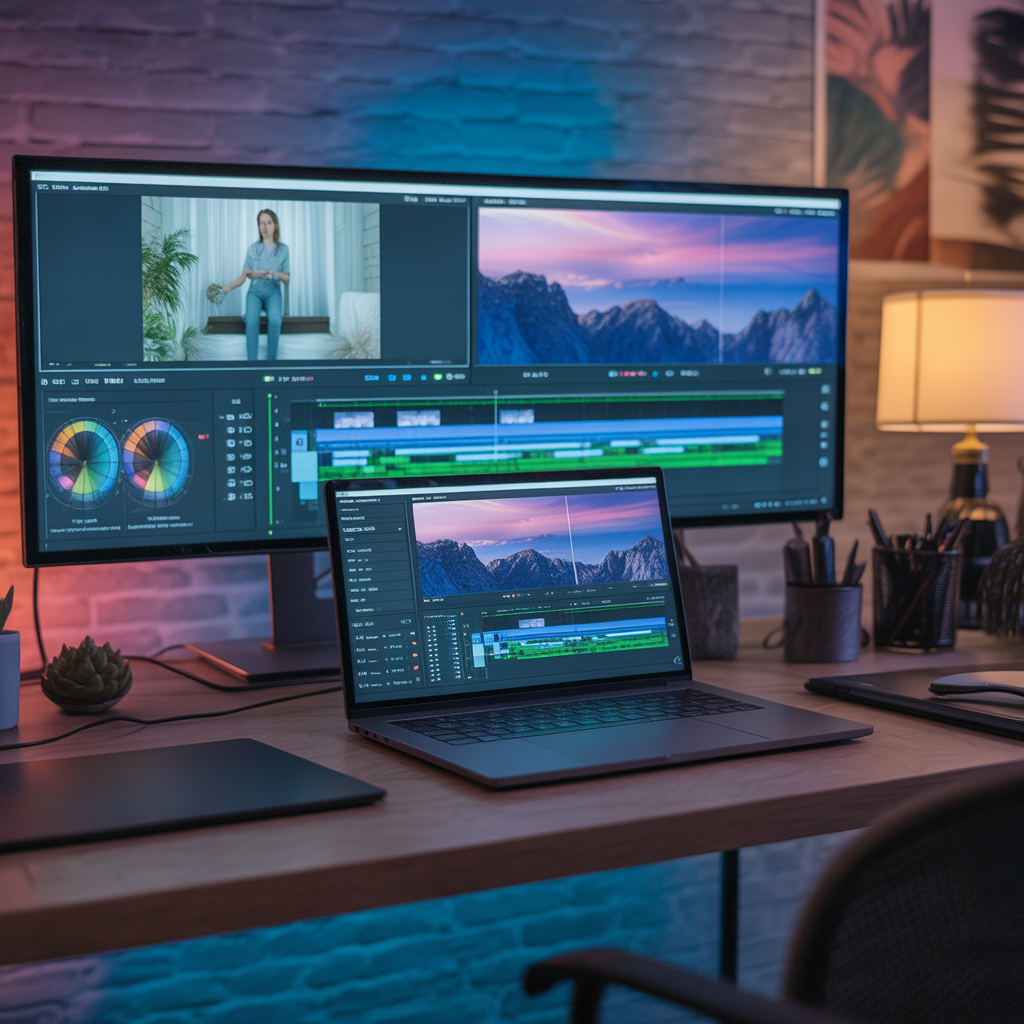
If you’re serious about content creation, choosing the right laptop isn’t optional. It’s essential.
What really makes a good video editing laptop?
Things to consider before buying.
Before looking at specific models, it helps to understand what really matters.
The processor is the heart of your system. Experts generally recommend an Intel Core i7 or AMD Ryzen 7 and above for editing. These processors handle heavy timelines and multitasking without slowing down.
RAM is another important factor. In real-world use, 16GB might work for beginners, but once you move up to 4K editing, 32GB feels like the sweet spot. Many professionals even prefer 64GB for smooth performance.
Graphics also make a big difference. A dedicated GPU like the NVIDIA RTX series helps with effects, color grading, and faster exports. If you use software like Premiere Pro or DaVinci Resolve, you’ll see the benefits right away.
Then there’s storage. A fast SSD isn’t just about saving files. It directly impacts how quickly your footage loads and how smooth your edits feel.
The best laptops for editing videos in 2026
Real options that actually perform well.
Apple MacBook Pro M Series
The most reliable choice for most editors
This is the laptop I see most creatives using, and honestly, there’s a reason for that. The MacBook Pro with Apple silicon chips delivers solid performance without overheating or slowing down.
It handles high-resolution footage with ease, even 6K and 8K in some cases. What stands out is how smooth everything feels. Scrubbing through footage, applying effects, exporting videos, it all happens without any lag.
The display is another big plus. Colors look accurate and consistent, which is important for professional work.
From experience, this machine feels just as good if you use Final Cut Pro.
ASUS ROG Strix Scar 18
For those who need extreme power.
If you’re someone who works with heavy effects, animations, or complex timelines, this laptop is made for you.
It comes with powerful processors and high-end RTX graphics. This means faster rendering and better real-time playback, even with multiple layers.
It’s a bit heavier than other laptops, but that’s a trade-off for performance. If power is your priority this machine delivers.
ASUS Pro Art Series
Designed specifically for creators.
What I like about the Pro Art lineup is that it’s built with creators in mind, not gamers.
It offers excellent color accuracy, which is very important for video editors. The display is sharp and reliable, making it easy to trust your final output.
In terms of performance, it sits between a MacBook Pro and a gaming laptop. It’s powerful enough for professional work while still focusing on creative tasks.
ASUS Vivobook 16
A solid option for beginners
Not everyone wants to spend a lot of money on a laptop, and that’s completely understandable.
The Vivobook 16 is a good starting point. It can handle basic editing and even light 4K projects if you’re careful with your workflow.
If you’re a student, a beginner YouTuber, or just busy editing, this laptop can do the job without breaking your budget.
What real users say.
Practical advice from editors
If you look at real user discussions online, most editors agree on a few simple things.
First of all, balance matters more than brand. A balanced system with a good processor, plenty of RAM, and a dedicated GPU will always perform better than an expensive but unbalanced system.
Second, upgrading from a slow machine to a fast one is a game changer. Many users mention how their editing time was cut in half after switching to a better laptop.
And third, reliability is key. A stable system is more important than one that only looks powerful on paper.
My personal experience
What I learned over time.
After using different laptops, I realized that there is no one best option for everyone.
If your workflow is based on Final Cut Pro, the MacBook Pro feels like the best choice. Everything is smooth and optimized.
If you use Adobe Premiere or After Effects, a Windows laptop with a strong GPU can give you better flexibility.
One thing I initially underestimated was the speed of the storage. Once I switched to a faster SSD, even simple tasks felt faster. It’s a small detail, but it makes a big difference.
Conclusion
The best laptop for your job
The best laptops for video editing aren’t always the most expensive. The right choice depends on your needs, your software, and your budget.
If you’re a professional working with high resolution footage it makes sense to invest in a powerful machine like a MacBook Pro or a high end Windows laptop.
FAQS
- Which is the best laptop for video editing?
MacBook Pro and high-end Windows laptops are both best, depending on the software used. - How much RAM is needed for video editing?
A minimum of 32GB of RAM is recommended for 4K editing. - Is a GPU necessary for video editing?
A dedicated GPU improves editing speed and rendering. - Video editing laptops are available on a budget.
mid-range laptops are fine for 1080p and light 4K editing. - Which is better for video editing: SSD or HDD?
SSD is faster so it’s the best choice for editing.