When I first heard people saying ChatGPT will replace Chrome, I rolled my eyes it felt like clickbait, something you see in tech forums. But over the past year, that conversation has evolved into something deeper. We’re not comparing two identical tools rather, two very different paradigms: one is an AI assistant, and the other is the world’s most used web browser. The real question isn’t who wins, but how they stack up, honestly and practically.
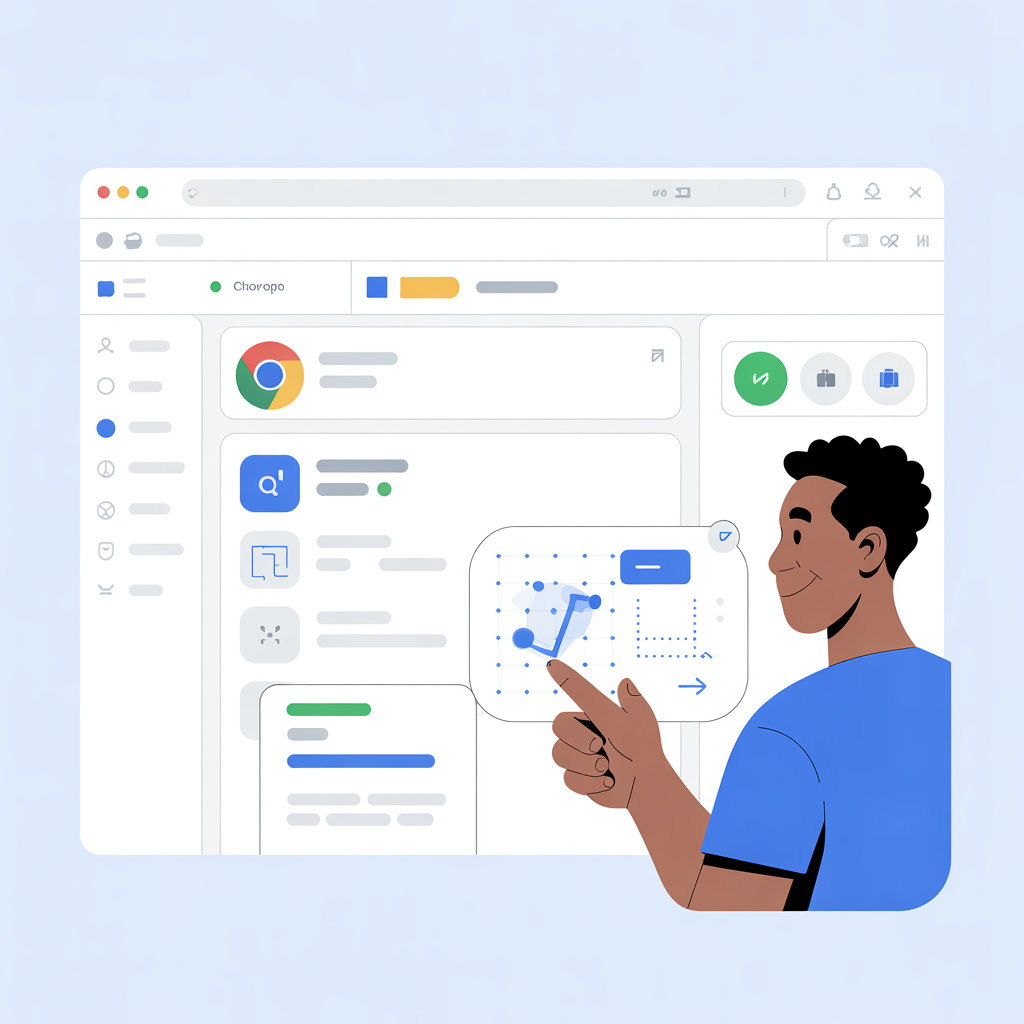
What ChatGPT Really Is
At its core, ChatGPT is a conversational AI a chatbot built on large language models that can generate human-like text in response to prompts. It can write emails, summarize content, brainstorm ideas, debug code, and answer complex questions through conversation. It’s not a search engine, though people often use it like one.
Unlike traditional web tools, ChatGPT doesn’t just provide links it creates a human-style answer, often in a form that feels like someone explaining something to you directly. That’s powerful, especially for learners, writers, and professionals who want context and explanation over lists of links.
What Google Chrome Is Today
In contrast, Google Chrome is a web browser software you use to explore the internet. It loads websites, runs web apps, manages bookmarks, and supports a massive ecosystem of extensions. Chrome is not primarily an AI tool; its strength is speed, stability, and compatibility across devices.
According to market stats from StatCounter, Chrome commands roughly 70%+ of global browser usage, far ahead of others like Safari or Edge.
This dominance isn’t technical fluff it shapes how billions of people access information every day. When most people search anything online, they’re doing it through Chrome’s Omnibox the address bar that doubles as a search input.
AI Enters the Browser World
For years, if you wanted ChatGPT-like capabilities in Chrome, you needed extensions little add-ons that show AI replies next to search results or in popups. Some of these tools are popular, letting users get quick AI summaries or code assistance while browsing.
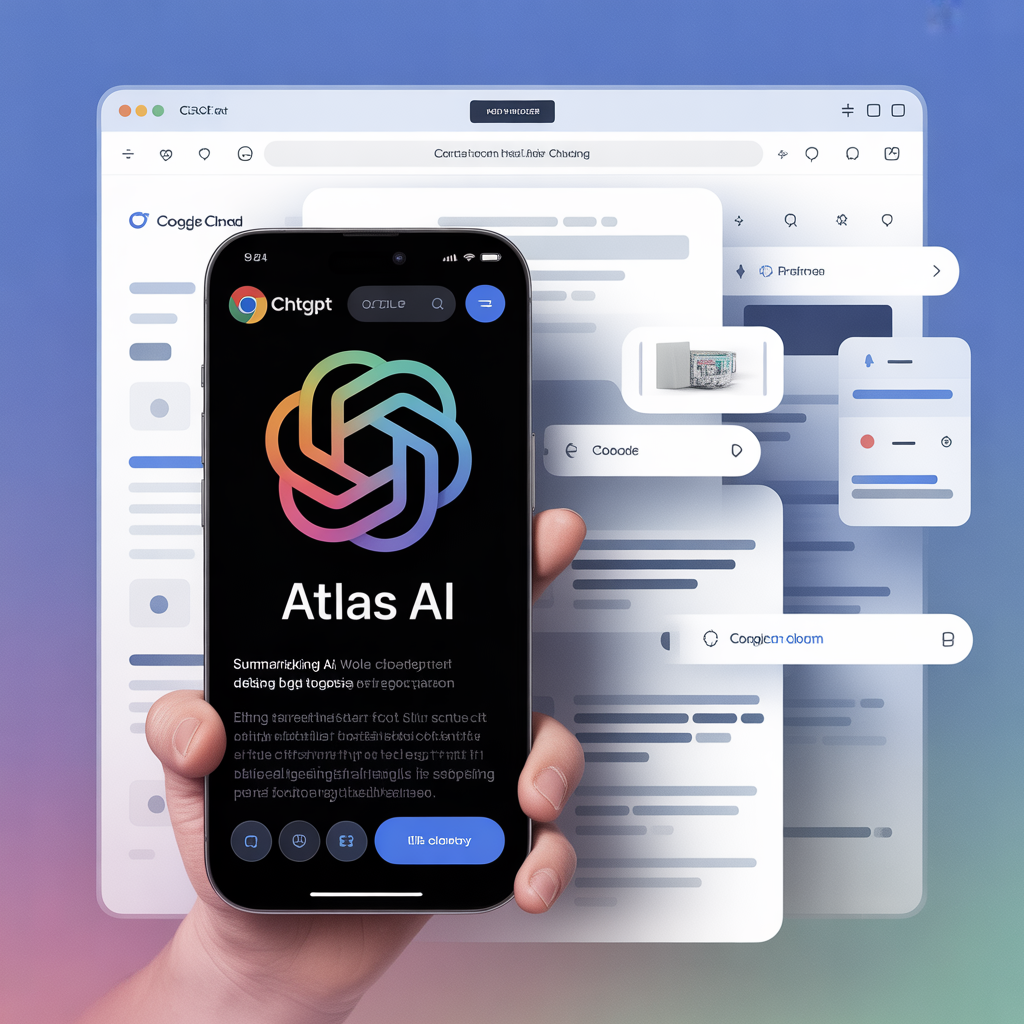
But in late 2025, something bigger happened: OpenAI launched the ChatGPT Atlas browser a full web browser with ChatGPT built into the interface ChatGPT vs Google Chrome. Rather than piling an AI on top of a browser, Atlas puts AI inside the browser so it can read and react to whatever you’re doing.
Atlas lets you highlight text and get summaries, ask it about the content on the current page, and even issue multi-step commands through a feature called “Agent Mode.” That means it can do things like research and compile results without you switching tabs or copy-pasting.
Head-to-Head: ChatGPT Atlas vs Chrome
When it comes to features, the difference is real not hype.
AI Assistance vs Traditional Browsing
Chrome can offer AI help (via integrations like Google Gemini), but it still feels like a traditional search engine: you type a query, links appear, you click them. Atlas shifts that model you ask a question in context and it generates an intelligent reply right beside what you’re browsing.
Task Automation
Atlas’s neat trick is “Agent Mode”: you can tell it a task (“find the best flight options,” “summarize this page”), and the AI does it. Chrome doesn’t have that natively. You could maybe get something similar with extensions or separate AI services, but it’s not baked in.
Ecosystem, Extensions, and Compatibility
Here Chrome still crushes Atlas. Chrome has years of mature development and an enormous extension library that does everything from ad-blocking to PDF tools worlds that no AI browser has approached yet.
Market Size and Real-World Usage
Even with AI browsers emerging, Chrome’s market footprint is massive. Roughly 70% of the world’s browser usage happens on Chrome, and it remains the default for billions of web interactions. That kind of ecosystem advantage cannot be dismissed lightly.
When Each Tool Makes Sense (From My Experience)
From personal use, the best case for each tool depends on what you do:
Use ChatGPT/AI Browser When:
You want explanations instead of links.
You’re doing research, summaries, or writing tasks.
You want conversational context — like asking follow-ups without repeating yourself.
Reading research, writing reports, or deep brainstorming — that’s where ChatGPT shines. The AI feels like having a companion who understands context and remembers what you have been working on.
Use Chrome When:
You’re building websites, navigating apps, or managing bookmarks.
You need fast, reliable web access with extensions you depend on.
Compatibility and cross-device sync are priorities.
I find myself using Chrome when I need to explore the web, and ChatGPT when I want to understand it.
A Reality Check ChatGPT Isn’t Replacing Chrome Yet
Despite all the buzz, the idea that ChatGPT will “kill” Chrome is overblown. Even the AI integrations from Google like its conversational AI features inside Chrome show that AI and browsers aren’t mutually exclusive worlds.
Atlas is clever and feels futuristic, but it’s still early. Chrome has decades of optimization and millions of extensions. Atlas may change how we use the web but it’s unlikely to replace Chrome overnight.
A more realistic picture is that AI and browsers will converge, rather than one dominating the other.
Conclusion
From my experience and the data, the idea of ChatGPT versus Chrome sets up a false competition. They serve different purposes and reflect distinct user mindsets.
Chrome remains the workhorse of web navigation fast, stable, and backed by a decade of development. ChatGPT (and AI browsers like Atlas) redefine what browsing can feel like, adding conversational intelligence and task automation. Together, they shape the next frontier of human-computer interaction where searching and understanding are unified.
FAQS
- Is Chrome better than ChatGap?
No, Chrome is for browsing, ChatGap is for powered assistance. - What is the number 1 browser?
Google Chrome is the most used browser in the world. - Is Google’s AI mode better than ChatGPT?
No, they are for different purposes. Google AI is for search and suggestions, ChatGPT is for conversation and problem solving. - Who are the Big 5?
The Big 5 companies include Google, Microsoft, Apple, Microsoft, and Amazon. - ChatGPT Traffic vs Google?
Google’s traffic is much higher than ChatGPT’s because Google’s search engine and services are used worldwide, while ChatGPT is limited to AI-based queries.
바로 문의 클릭! 신용카드 현금화란 무엇인가? 신용카드 현금화란 신용카드로 물품이나 서비스를 구매한 뒤 이를 현금으로 되돌려받는 형태의 거래를 말합니다.
바로 문의 클릭! 신용카드 현금화란 무엇인가? 신용카드 현금화란 신용카드로 물품이나 서비스를 구매한 뒤 이를 현금으로 되돌려받는 형태의 거래를 말합니다. 신용카드 현금화
바로 문의 클릭! 신용카드 현금화란 무엇인가? 신용카드 현금화란 신용카드로 물품이나 서비스를 구매한 뒤 이를 현금으로 되돌려받는 형태의 거래를 말합니다. 신용카드 현금화
https://www.quora.com/ Quora is a place to gain and share knowledge. It’s a platform to ask questions and connect with people who contribute unique insights and quality answers.
https://www.reddit.com/ Reddit is where millions of people gather for conversations about the things they care about, in over 100007 subreddit communities.
Find the best wallpaper for iPhone 16 Pro Max including 4K, OLED, dark mode, minimalist and aesthetic backgrounds for a premium techbizflow
URL and Keyword Count Provide URLs and generate multiple copies of desired keywords effortlessly Words Counter Tool 0 Words URL and Keyword Count
URL and Keyword Count Provide URLs and generate multiple copies of desired keywords effortlessly Words Counter Tool 0 Words URL List Cleaner
온라인에서 토토사이트를 이용하는 유저들은 언제든지 먹튀사이트에 노출되어 있습니다. 저희 먹튀검증사이트.com 에서는 완벽에 가까운 먹튀검증 업체를 선택하는 방법과 최신 먹튀 수법을 방어하는 방법을 알려드리고, 먹튀를 예방하여 먹튀 피해를 받지 않도록 먹튀에 대한 모든 정보를 자세히” 먹튀검증 추천